





Send Your Current Insurance Policy
Send a photo or PDF of your current home, auto, or umbrella policy and skip the forms. John or Allen reads it and comes back to you with a rate. Rates depend on underwriting. Coverage depends on the policy terms.
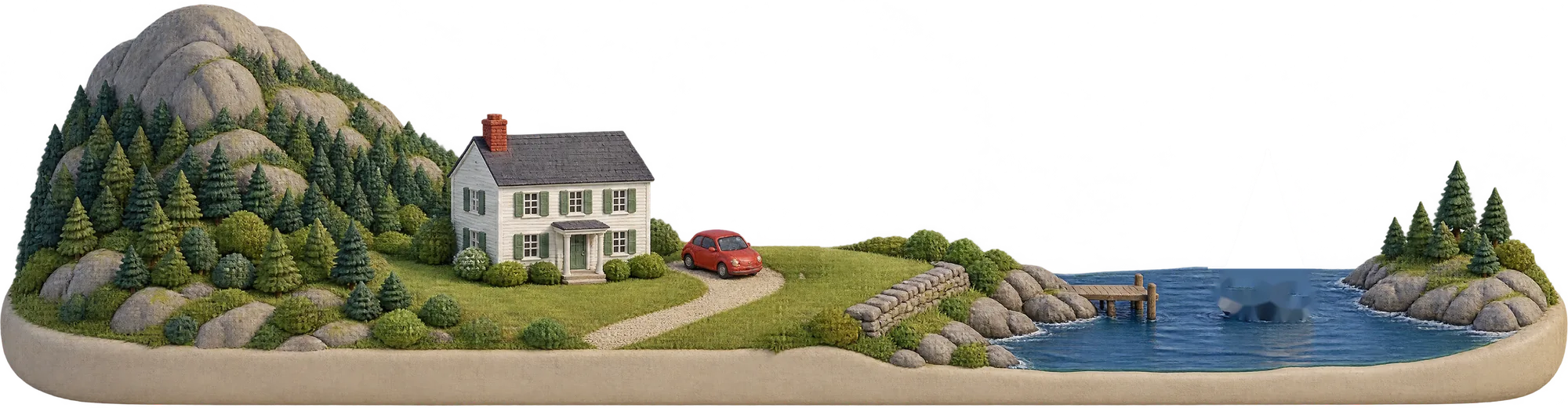



Send your policy to the Magic Box
It's the fastest way to a rate: one photo or PDF instead of a long form. John or Allen reads it and comes back to you.
Find your declarations page
It's usually the first page of your policy or renewal packet. You can also download it from your insurer's website or app.
Take a photo or choose a file
Lay the page flat in good light with all four corners showing. A PDF or a screenshot works too.
Send everything at once
Home, auto, and umbrella can go together. We sort them, and each policy gets its own review.

What is a declarations page?
It's the summary page of your insurance policy, and it's usually the first page in the packet. Everything we need to give you a rate is on it.
- 1Named insured. Who's covered and where.
- 2Policy period. When your rate comes up next.
- 3Coverage limits. The most your policy pays.
- 4Deductibles. What you pay before coverage starts.
- 5Premium. What you pay today.
Declarations
Sample for illustration
- 1Named insured
- Your name and address
- 2Policy period
- Start date to renewal date
- 3Coverage limits
- $000,000
- 4Deductibles
- $0,000
- 5Premium
- $0,000